Easy planning for small teams

Easy planning for small teams.

Manage your time without the overhead. Your personal plan sits up top and your team's workspace right below — tasks, boards and your calendar in one calm view, kept in sync with Google.

Free for personal use · email or Google sign-in · no credit card.

A Planrotfish project board with tasks lined up across Backlog, To do, In progress and review lanes.The same Planrotfish project board in dark mode.
Connects to the tools you already use
Git providersCalendarsCalendar feed (iCal)
How it's laid out

Your personal plan on top. Your workspace below.

Open the app and your own week is right there at the top — Today, Planning and Calendar. Your team's workspace sits just beneath it, so personal focus and shared work never crowd each other out.

  • Personal tasks live outside any workspace — they're just yours
  • Drop into a workspace for shared projects, boards and members
  • One sidebar, two tiers — glance down it and you see the whole week
The whole picture

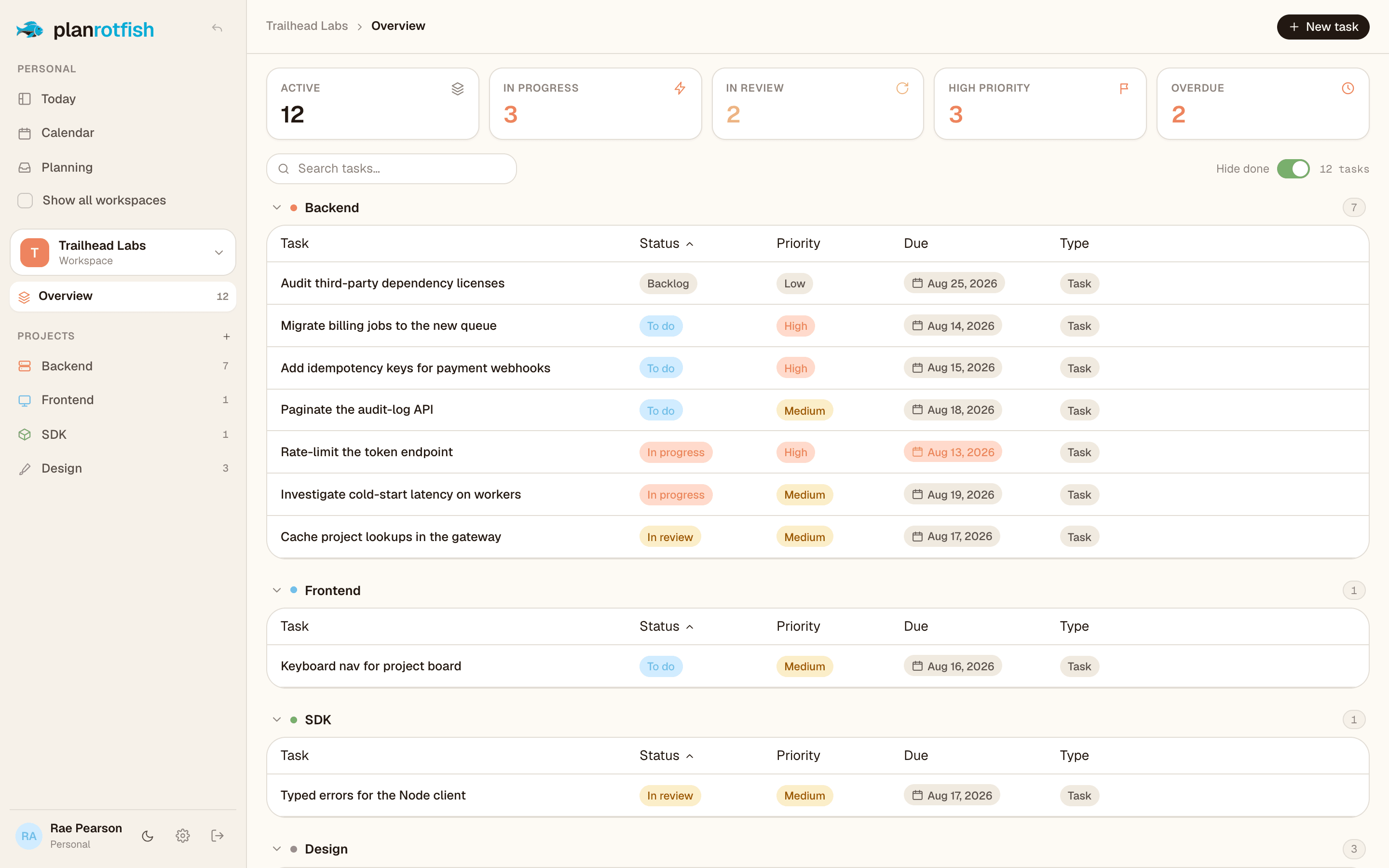
Every task, grouped and counted.

The workspace overview rolls each project's tasks into one sortable table — with live tiles for what's active, in review, high-priority and overdue. No dashboards to wire up.

  • Sort by status, priority, type or due date in a click
  • Counts update live as work moves — nothing to refresh
  • Overdue and high-priority surface themselves
See it with your own work
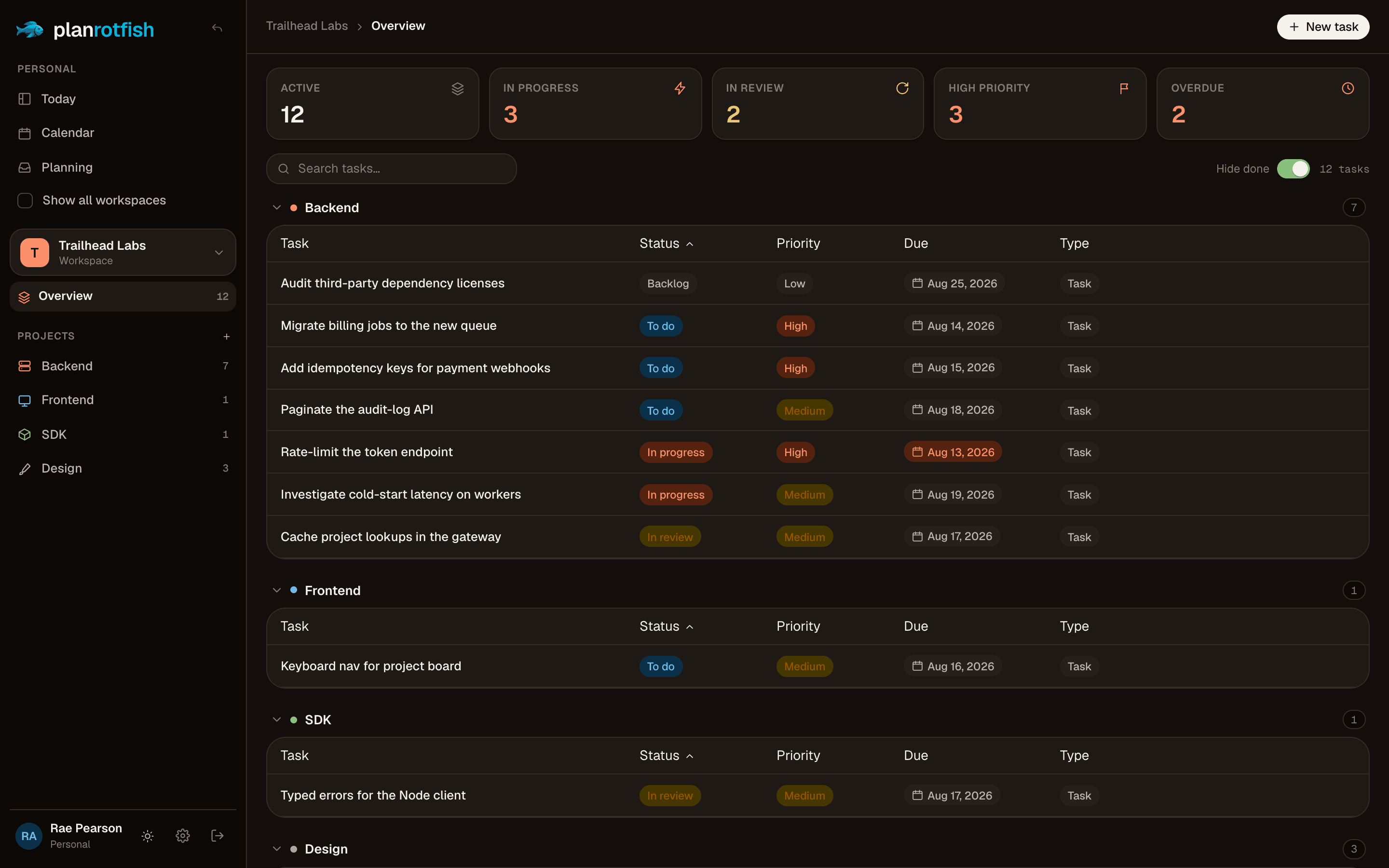
The Planrotfish workspace overview: summary tiles above a grouped table of tasks.The Planrotfish workspace overview in dark mode.
Under the hood

Quietly capable.

The plumbing you'd expect from a tool you live in all day — done, not bolted on.

Time, not just to-dos

Schedule tasks across your days alongside your real calendar events, so you plan around the time you actually have — not a list that ignores the clock.

Realtime, everywhere

Move a card and it updates on Today, Planning and the calendar at the same instant — across every open tab.

Tasks with real detail

Each task carries what it needs and nothing it doesn't.

SubtasksTagsPriorityEstimateDue dateType

Three ways into the same work

Today lines up your day, Planning clears the backlog, the calendar blocks time — same tasks, whichever lens fits the moment.

Solo or shared

Keep a personal list, or open a workspace and invite people with owner, admin and member roles.

Your data, your call

Row-level security on every record, private calendar feeds, and a self-hosted path when you need it.

Integrations

Plugs into the tools you already use.

Connect a calendar and your repos once. Planrotfish keeps everything mirrored and in sync — no copy-paste, no stale tabs.

Git providers

Mirror a repo's open issues right beside your board. Drag one onto a lane and it becomes a tracked task, still linked to the source.

GitHub · GitLab · Gitea · Forgejo — cloud or self-hosted

Calendars

Two-way sync keeps plans and meetings in one place. Schedule a task here and it lands in your calendar in seconds; events flow back automatically — no duplicates.

Google Calendar today · more providers on the way

Calendar feed

Every account gets a private iCal URL. Subscribe from anywhere and your scheduled tasks show up there too.

Apple Calendar · Google · Outlook
Plans & pricing

Simple, honest pricing.

Plan your own week free, forever. Go Pro when you live in it, or add a team when you’re ready to plan together — billed per seat, with free guest seats.

Personal

Free

Everything you need to plan your own week.

  • Unlimited personal tasks
  • Boards, Today & calendar views
  • Google Calendar sync
  • Issues from any git provider
  • 1 shared workspace, up to 3 members
Start free

Pro

$8per month

For power users who plan their whole life here.

  • Everything in Personal
  • Unlimited personal workspaces & projects
  • Private calendar feed (iCal)
  • Sync multiple Google calendars
  • More storage & longer history
Upgrade to Pro
Most popular

Team

$12per seat / month

Shared planning for your whole team.

  • Everything in Pro
  • Members with owner / admin roles
  • Realtime across the whole team
  • Shared boards & overview
  • Free guest & viewer seats
Start a team